ChatSearch

Find that one chat in seconds.

ChatSearch is a free Chrome extension that makes every word of every Claude and ChatGPT conversation searchable as you type, with typo tolerance and search by meaning. Your chats are indexed inside your own browser.

Free and open source (MIT). Chrome 120+, and other Chromium browsers. Not affiliated with Anthropic or OpenAI.

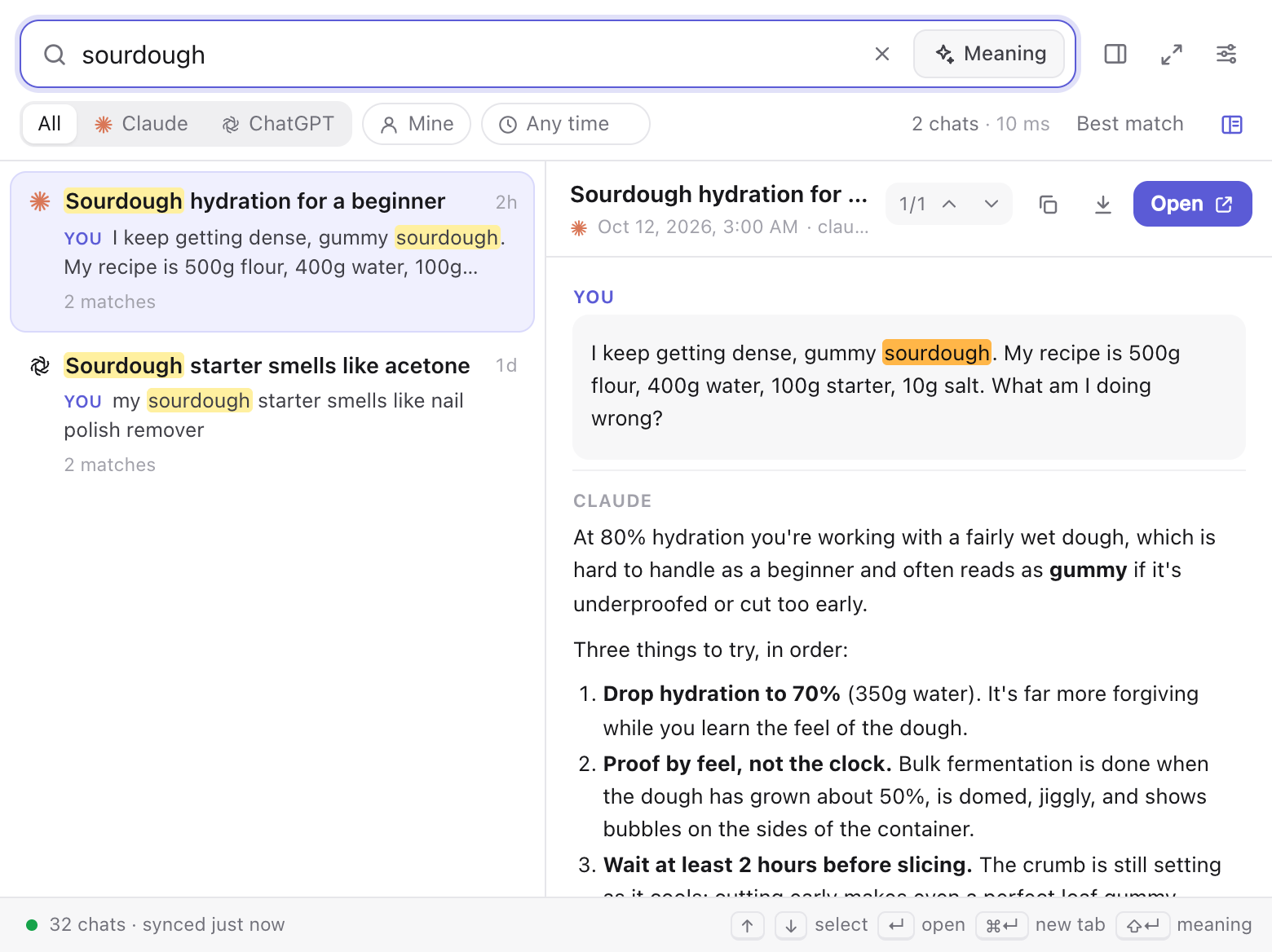
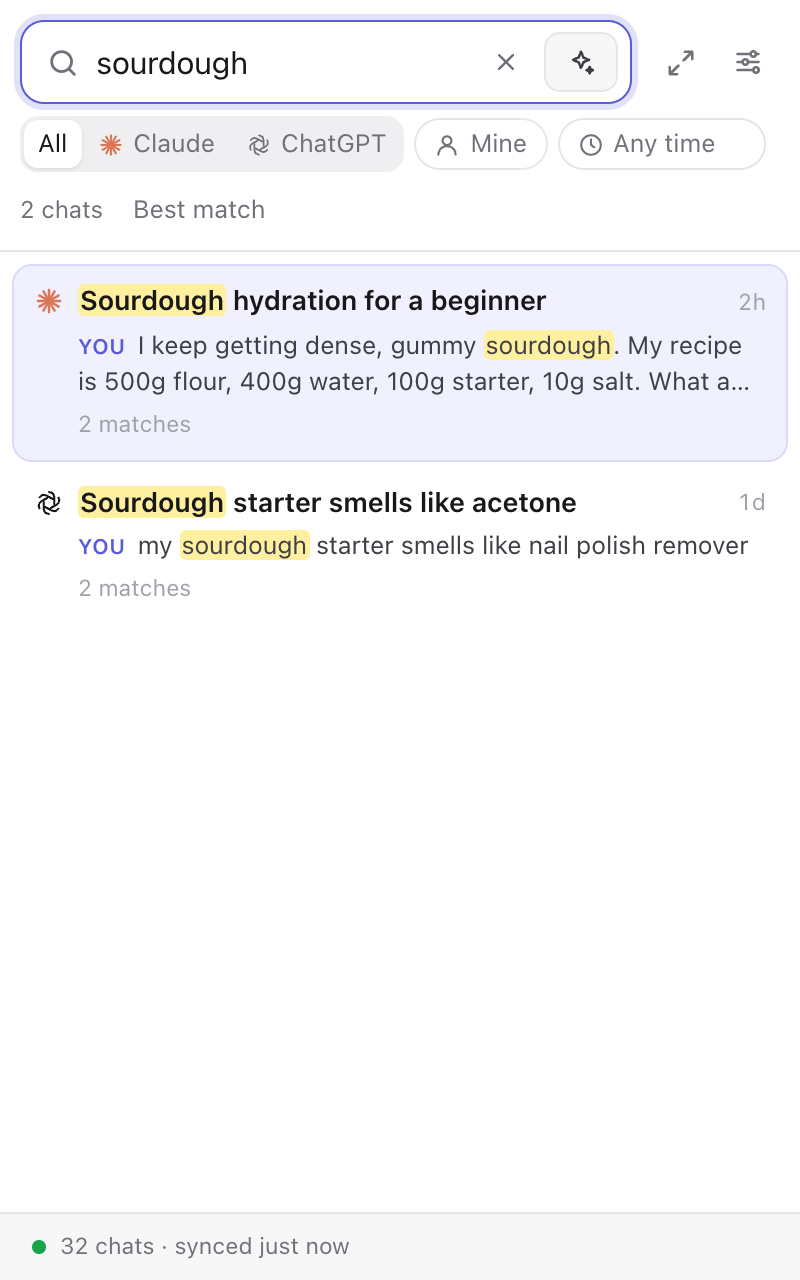
The ChatSearch popup: results for sourdough on the left with highlighted snippets, the full chat on the right

Search that actually works

The built-in search on both sites only looks at titles, or gives up after a handful of results. ChatSearch reads everything.

Every word, instantly

Titles, your messages, replies, artifacts, canvas documents and pasted files. Results appear on every keystroke, with the matching passage highlighted.

Forgiving

Matches inside words (plane finds airplanes), fuzzy titles (flt wk finds Fleet Week), and "did you mean" for typos.

Search by meaning

Don't remember the words? Press Shift Enter to find chats about the idea, using a small model that runs on your own computer.

Jump to the match

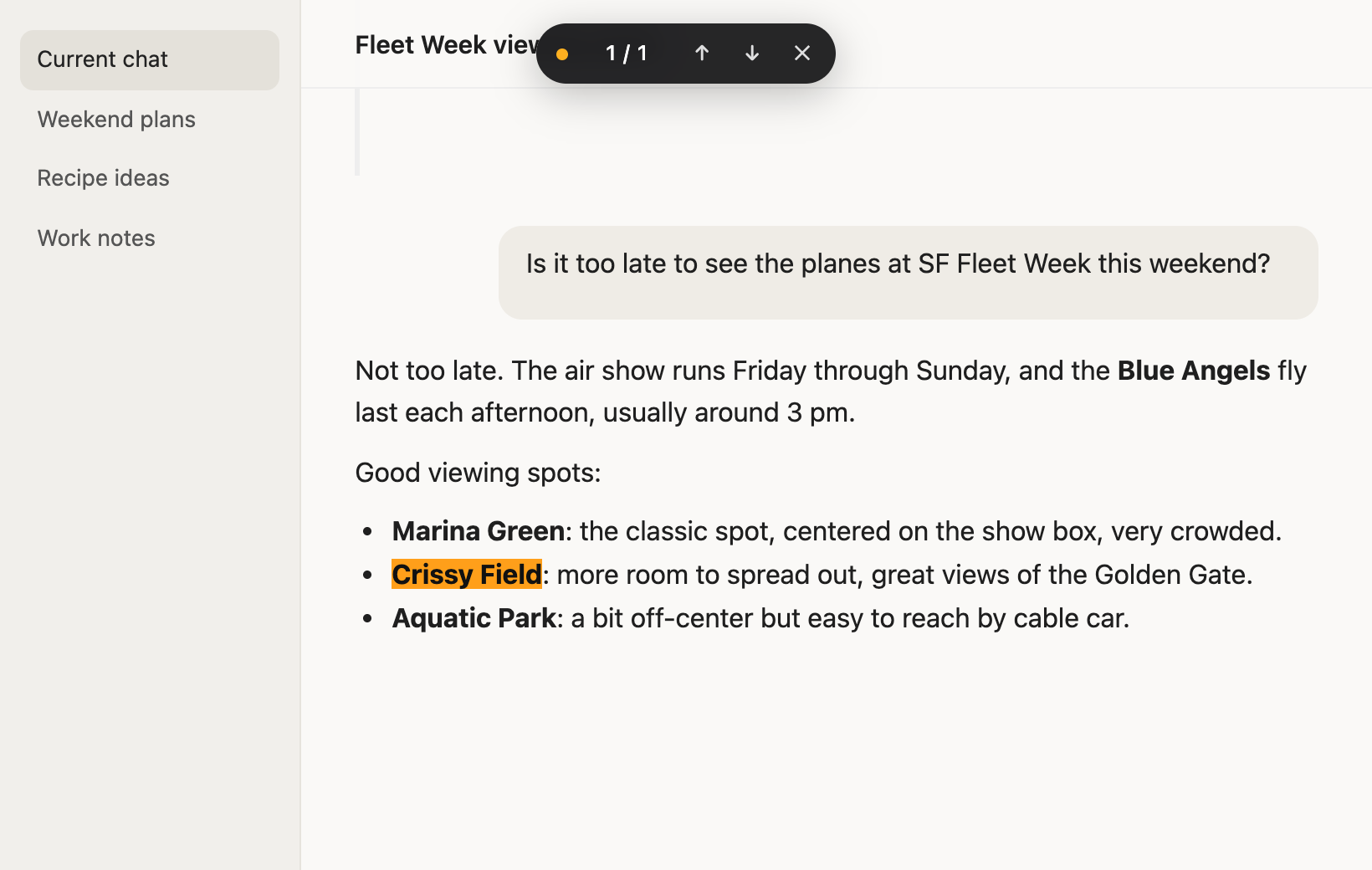
Opening a result scrolls the chat to the passage you were looking for and highlights every match, with a tiny navigator to step through them.

Always current

Uses your existing login. Chats you open or reply to are indexed instantly from the page itself, and the rest stays in sync quietly in the background.

Private by design

The index lives in your browser. No accounts, no analytics, no server that sees your chats (unless you opt into cloud embeddings).

Search by meaning

When an exact search finds nothing, or when you ask for it, ChatSearch compares the meaning of your query with every passage of every chat.

The model (MongoDB's leaf-ir) is downloaded once and runs on your GPU. Each passage is embedded exactly once, in the background, at a gentle pace that slows further on battery.
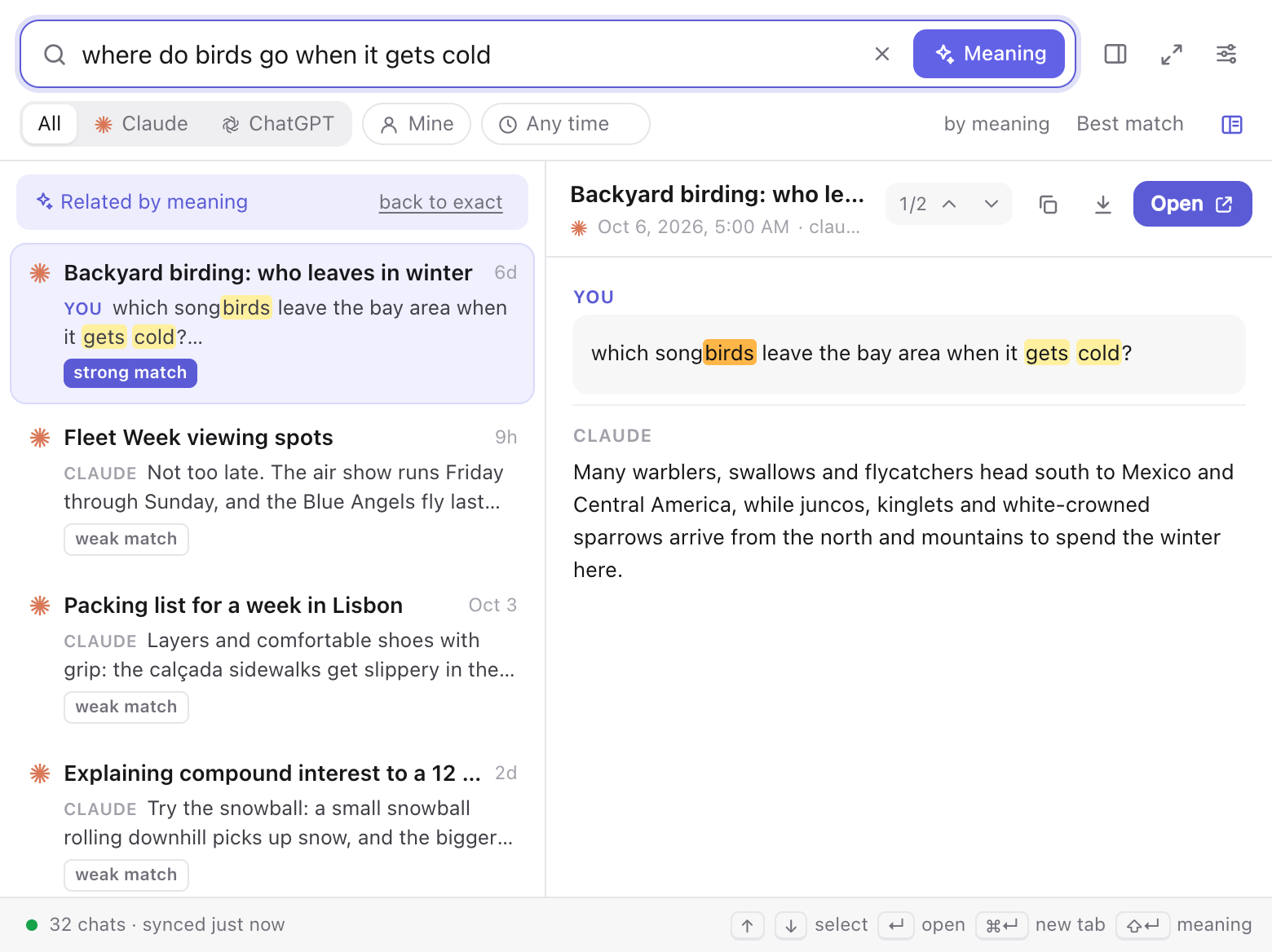
Search by meaning finding a birding chat for the query 'where do birds go when it gets cold'

Opens right at the match

Press Enter and the chat opens scrolled to the passage you searched for, with every occurrence highlighted. Enter and Shift Enter step through them on the page.

A chat page with the searched words highlighted and a small match navigator at the top

Popup, side panel, or full page

The toolbar popup remembers your last search, so you can click away and come back. Dock it in Chrome's side panel to keep it open while you read, or type cs and a space in the address bar to search from anywhere.

Filter by source, by what you wrote, or by date, and use operators like "exact phrase", -exclude, from:me, in:title and after:2026-01.

ChatSearch docked in Chrome's side panel

Install in a minute

ChatSearch isn't on the Chrome Web Store yet, so it installs as an unpacked extension.

  1. Download chatsearch.zip and unzip it.
  2. Open chrome://extensions and turn on Developer mode (top right).
  3. Click Load unpacked and choose the unzipped chatsearch folder.
  4. Pin it: click the puzzle-piece icon in the toolbar, then the pin next to ChatSearch.
  5. Stay signed in to claude.ai and chatgpt.com. Indexing starts by itself; press ⌘ Shift K (Ctrl Shift K on Windows) to search.

Questions

Where do my chats go?

Nowhere. ChatSearch downloads your history with your existing login, the same way the sites do, and stores it with the search index in your browser's own storage. The only other connection is a one-time download of the embedding model from Hugging Face. If you switch on cloud embeddings, passages of your chats are sent through a small relay to an embedding service; that is off unless you choose it.

Will it slow down my browser?

No. The index lives in a background document that unloads itself after a few idle minutes, searches take milliseconds even across ten thousand chats, and background work runs at a reduced pace (lower still on battery).

Why are some ChatGPT chats only searchable by title at first?

ChatGPT only allows a slow pace of full-conversation downloads, and that allowance is shared with your own use of the site. ChatSearch lists all your chats immediately, then fills in the text gently in the background and whenever you open a chat. For an instant full index, request your data export in ChatGPT's settings and import the zip in ChatSearch's settings.

Does it work in Edge, Brave or Arc?

It should: they run Chrome extensions the same way. Load it unpacked from each browser's extensions page.

How do I update or remove it?

To update, replace the folder's contents with the new release and click reload on the extension's card. Removing the extension deletes everything it stored.